From Emailed Orders to Structured Jobs: AI for Freight and Warehousing
Small freight and warehousing teams still retype orders from emails and PDFs, and often hear about problems when the customer rings. Here's how AI turns those emails into jobs, flags exceptions early and drafts customer updates.
 Daniel Thomson29 Oct 2026 · 5 min read
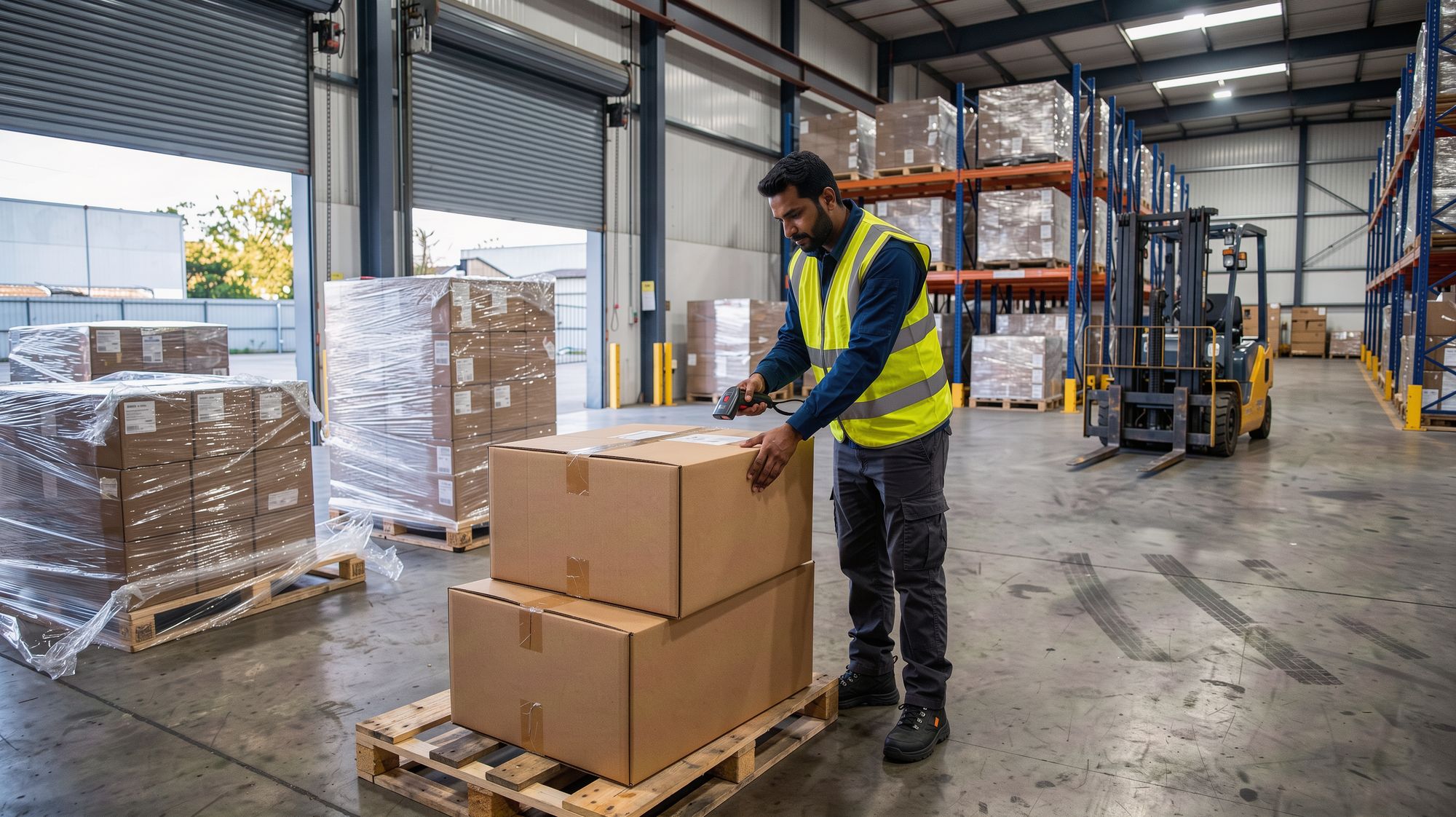
In a small freight or warehousing business, orders don't arrive in a neat format. They arrive as an email with a PDF attached, a spreadsheet with its own column names, a photo of a handwritten docket, or a message that just says "same as last week but two extra pallets".
Someone in the office reads each one and types it in. Pickup address, delivery address, contact, pallets, weight, time window, special instructions. Then, at the other end of the job, someone matches the signed proof of delivery to the job and sends it to the customer.
It's steady, careful work. It's also exactly the kind of work that goes wrong when the office is busy.
Where the time goes
- Retyping orders. Every customer formats things differently, so every order is read and keyed by hand.
- Small errors, big costs. A wrong unit number or a missed tail-lift note means a failed delivery, a second trip and an unhappy customer.
- Late news. Delays, damage and short deliveries are often discovered when the customer rings to ask where their freight is.
- Paperwork at the end. Proofs of delivery and signed dockets have to be matched to jobs before invoicing can happen.
- "Where's my freight?" The same question, many times a day, answered by someone who has to stop what they're doing.
What the AI does, step by step
Here's the same flow with AI teammates doing the first pass: an office manager for the inbox, a document clerk for the paperwork and a bookkeeper for the invoices.
- Incoming orders are read. Emails, PDFs and spreadsheets are read as they arrive. The AI pulls out the fields your jobs need and maps each customer's format to yours.
- Draft jobs are created. Each order becomes a draft job with the fields filled in and the source document attached. Anything the AI isn't sure about, like an address that doesn't match the customer's usual site, is highlighted for a person to check.
- Exceptions are flagged early. If a job is still unallocated close to its pickup window, a driver reports a delay, or a proof of delivery comes back marked damaged or short, the right person is told straight away, with the job attached.
- Proofs of delivery are filed. Photos and scans of signed dockets are matched to the right job, checked for a signature and quantities, and filed. Jobs with complete paperwork are ready to invoice.
- Customer updates are drafted. When something changes, the AI drafts a short, specific update: what happened, the new time and what you're doing about it. Routine "where's my freight?" emails get a reply drafted from the job record.
- Invoices are drafted. Completed jobs with their paperwork become draft invoices in Xero, at each customer's rates.
Where a person stays in control
The dispatcher still decides who goes where. The AI drafts jobs, and a person confirms them before they're allocated. Highlighted fields have to be checked, not skipped.
Customer messages and invoices wait for approval. Nothing is sent in the business's name and no money moves until someone has looked at it.
Every action is logged, from the original email to the job it created and the invoice it ended up on. If an order was read wrong, you can trace exactly where it happened and undo it. That trail also helps when a customer queries a charge.
What changes day to day
Picture a typical setup. An illustration, not a real business: a freight and warehousing company with a dozen staff, six trucks and, say, 80 orders a day from a few dozen regular customers.
Before, two people spent the morning keying orders. Exceptions were found by the drivers or the customers. Proofs of delivery sat in a tray until the end of the week, so invoicing ran late.
With AI reading the orders, the office starts the day checking and confirming jobs instead of typing them. The highlighted fields get the attention, and the rest is a quick look. Exceptions show up while there's still time to call the customer first. Proofs of delivery are filed as they arrive, so invoices go out sooner.
The office still talks to customers. They just have better news, or earlier bad news, when they do.
How to start small
Pick your biggest customer, or the one whose orders cause the most retyping.
- Have the AI read that customer's orders and create draft jobs.
- Check every draft against the source document for a few weeks.
- Once the drafts are reliably right, add the next customer.
Filing proofs of delivery and exception alerts are good second steps. Customer updates can follow once your team trusts the drafts.
The short version
AI won't drive a truck or load a pallet. What it can do is read the orders, catch problems early and keep the paperwork moving, so the office spends its time on customers instead of keyboards.
If that sounds like your mornings, describe your business on our home page and see a first plan for your own system. Or get in touch and we'll talk it through.
Daniel Thomson runs Ai Tearoa, a Christchurch company that builds small businesses their own system, with AI teammates that do the admin and a person who approves anything that goes out. The business in this post is an illustration, not a customer story.